
 Download for ios
 Download for Android



Defining the next era of healthcare as the global leader in Continuous Care Intelligence.
- App Download & Steps
Get Started
Continuous Intelligence
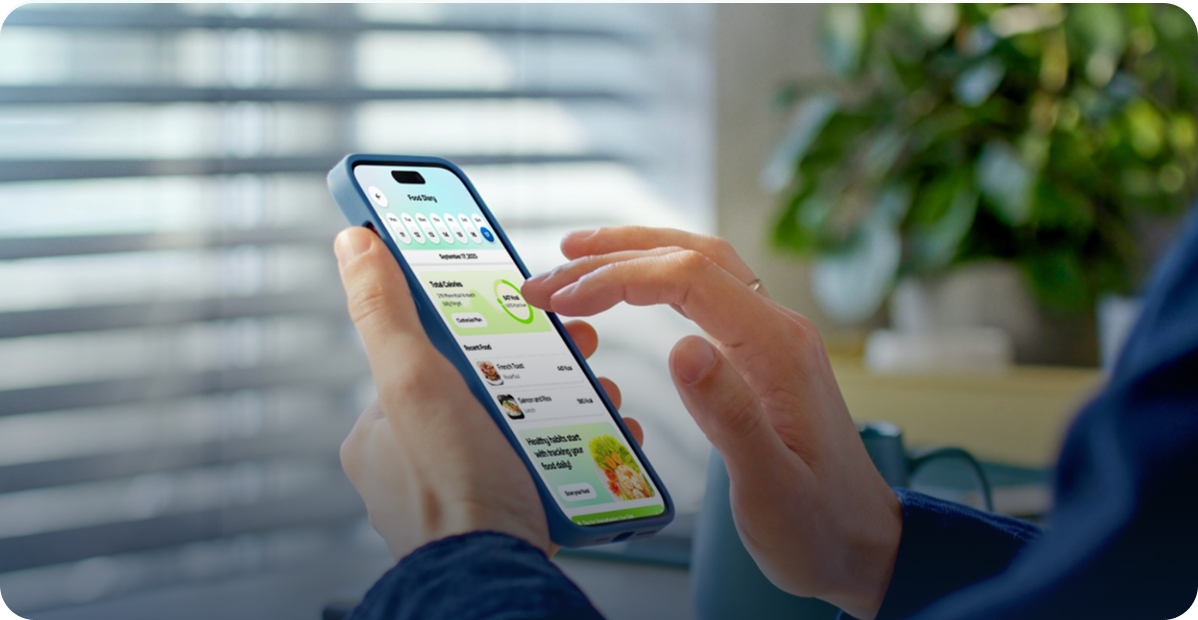
Your health journey begins here. Download the ONEai Health app and take control of your care - all from the comfort of your home.
THE ONEAI HEALTH APP
Your Personal Health Companion, Always On, Always Connected
The ONEai Health app connects you to your care team between visits. Track your medications, monitor vitals, log your mood, and stay engaged
with your health — all in one place.
See it action
Watch How It Works

×
-
1.
Download the ONEai Health Mobile App using the link above.
-
2.
Tap “Don’t have a password? Login Here.”
-
3.
Tap “Phone Number” and tap “Confirm.”
-
4.
Enter your phone number and tap “Confirm.”
-
5.
Ensure your visible information is accurate and choose “Date of Birth.”
-
6.
Enter your Date of Birth and tap “Confirm your Identity.” a. Date of Birth not valid? Contact help@oneaihealth.com with your correct Date of Birth and it will be updated. You will receive a response back with confirmation.
-
7.
Customize your diary questions and continue.
-
8.
Talk with Jennifer! for all your health messaging.
-
9.
Set your unique password by tapping Profile-> Change Password -> Enter & Confirm your New Password -> Enter your Date of Birth to Change the Password.
-
10.
To connect daily vitals, proceed with steps 10a - 10c based on what you are connecting: a. Connect Google Connect: Tap on Device and Continue with Google Connect -> allow all -> and continue. b. Connect Apple Health Kit: Tap on Device and Continue with Apple Health -> allow all -> and continue. c. Have a ONEai Health Smart Ring? Tap on Device -> Tap Pair Now -> Pair Device -> Choose the Bluetooth Ring that appears on your screen -> Pair Device.
Why oneai health
Benefits that Matter

Stay Connected
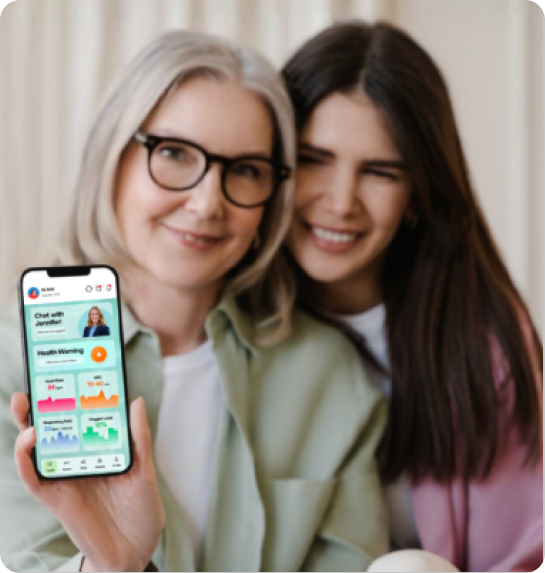
Keep your care team informed between visits with near-real-time health data sharing.

Clarity, Anytime
With Jennifer, your 24/7 health companion, you always have guidance and virtual support right when you need it.

24/7 Monitoring
Continuous tracking means nothing slips through the cracks — day or night.

HIPAA Compliant
Your data is protected with enterprise-grade security and full HIPAA compliance.
Faq’s
Frequently Asked Questions
How do I view my health information?
+
- Tap on any of the tiles to be directed to a page with more health information, graphs, and tips about that data.
- You can select the Jennifer icon to be directed into a chat with Jennifer your 24/7 health companion.
- Use the back button on the top left to return back to the previous page(s).
- On the top of the page you can select your profile, a refresh button, a diary page, and a notification page.
How do I chat with Jennifer?
+
- Tap on her icon on the top of the health dashboard page or click on her icon at the bottom right corner of most pages above the bottom navigation tabs.
How do I complete my daily check-ins?
+
- When you open the app, answer appropriately based on how you feel in that moment and tap on next.
- Continue completing the remaining questions until you submit all your responses.
- You can use this feature at any time by clicking the diary icon at the top of the health dashboard.
- At any time to tell us how you are feeling which will provide further insight into your health and can be used when monitoring your vitals.
What are the bottom navigation tabs for?
-
- Health: your app will default to the health screen showing your health data dashboard.
- Device: click here to see your connected device. .
- Rank: click here to see where you rank nationally and amongst your friends with your health points.
- Awards: click to identity your current awards, which are earned by meeting goals and consistently using the app.
- Profile: click to navigate through your information, change settings, and sign out of the app.
Get Connected
Have a Smart Ring?
Connect It In a Few Steps
-
1.
Download the ONEai Health Mobile App using the link above.
- 2.
Tap on “Pair Device.”
-
3.
Read the instructions and then tap on “Pair device.”
-
4.
Ensure your device is sufficiently charged and hold it close to your smartphone. Keep the app open until a selectable ring is shown on your screen. a. Tap on the ring and then tap on “Pair device.”

THE ONEAI HEALTH APP
Ready to Transform Your Health?
Download the app and take control between visits, so you and your care team can catch changes early, stay connected, and address issues before they become bigger concerns.


