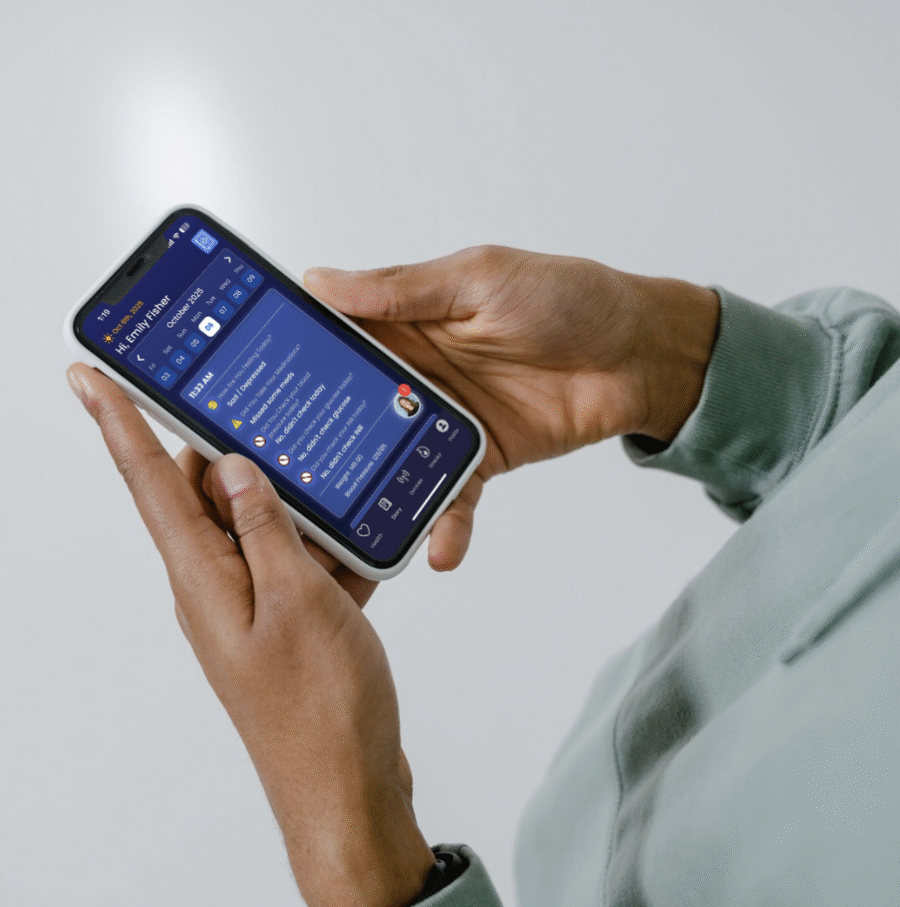
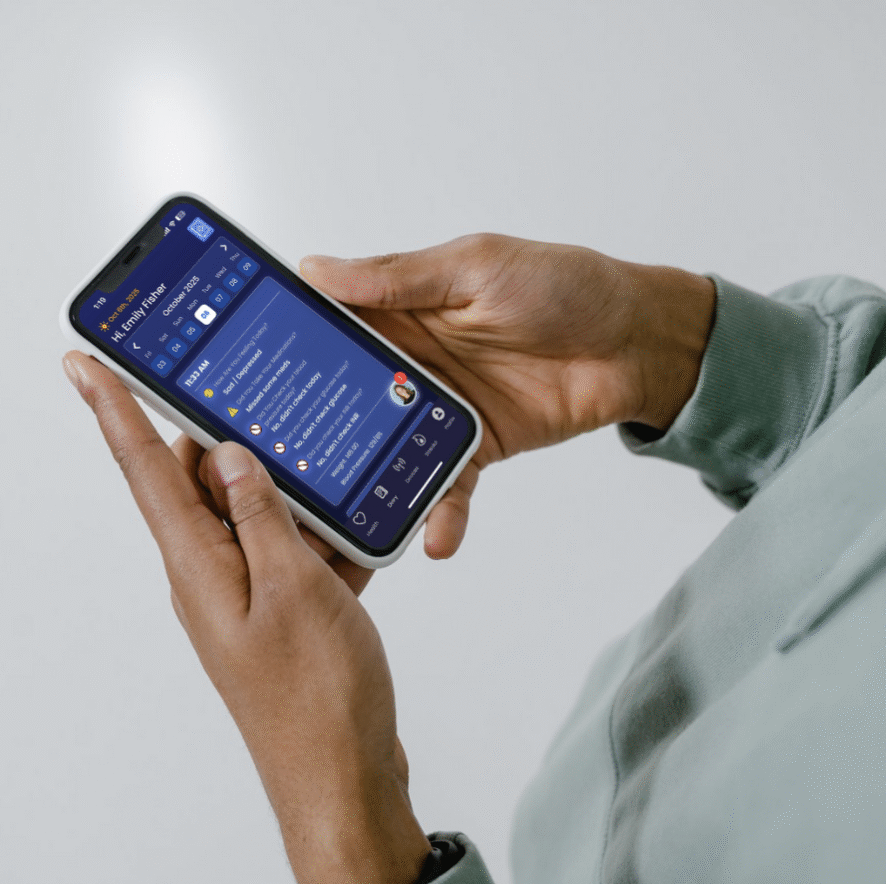
Ability to Add Health Data With or Without a Bluetooth Device
Daily Monitoring by a Clinical Team
Step-By-Step Tutorial
Video Tutorial
DOWNLOAD mobile app.
ALLOW for notifications to be received.
ALLOW for Bluetooth to be used.
ALLOW for notifications to be received.
Tap I AGREE to the statement provided.
Tap on CONTINUE With Phone Number
Enter your cell phone number and send OTP
CONFIRM Your Identity
Enter the 6-digit security code you receive via SMS
CONFIRM OTP
COMPLETE the diary questions.
Your Remote Therapeutic Monitoring services will begin here on the app!
Message notifications directly to your app (no more SMS)
24/7 Diary available
View historical entries anytime
SafePath messaging available 24/7
Track Your Health Data with the ONEai Health App! Connect your at home device to track important health data such as Heart Rate, SpO2 (Blood Oxygen), Sleep and more!
Apple (IOS)
Android
Apple Health Kit via your at home device, such as:
Apple Watch
Bluetooth Pulse Ox
Bluetooth weight scale
Manual readings via diary entry, such as:
Blood Pressure
Weight
Glucose
You can connect the ring and any device connected to the Health Connect app
Manual readings via diary entry, such as:
Blood Pressure
Weight
Glucose
Get in Touch With Us
Whether you have questions, need support, or want to learn more—our team is just a message away.